
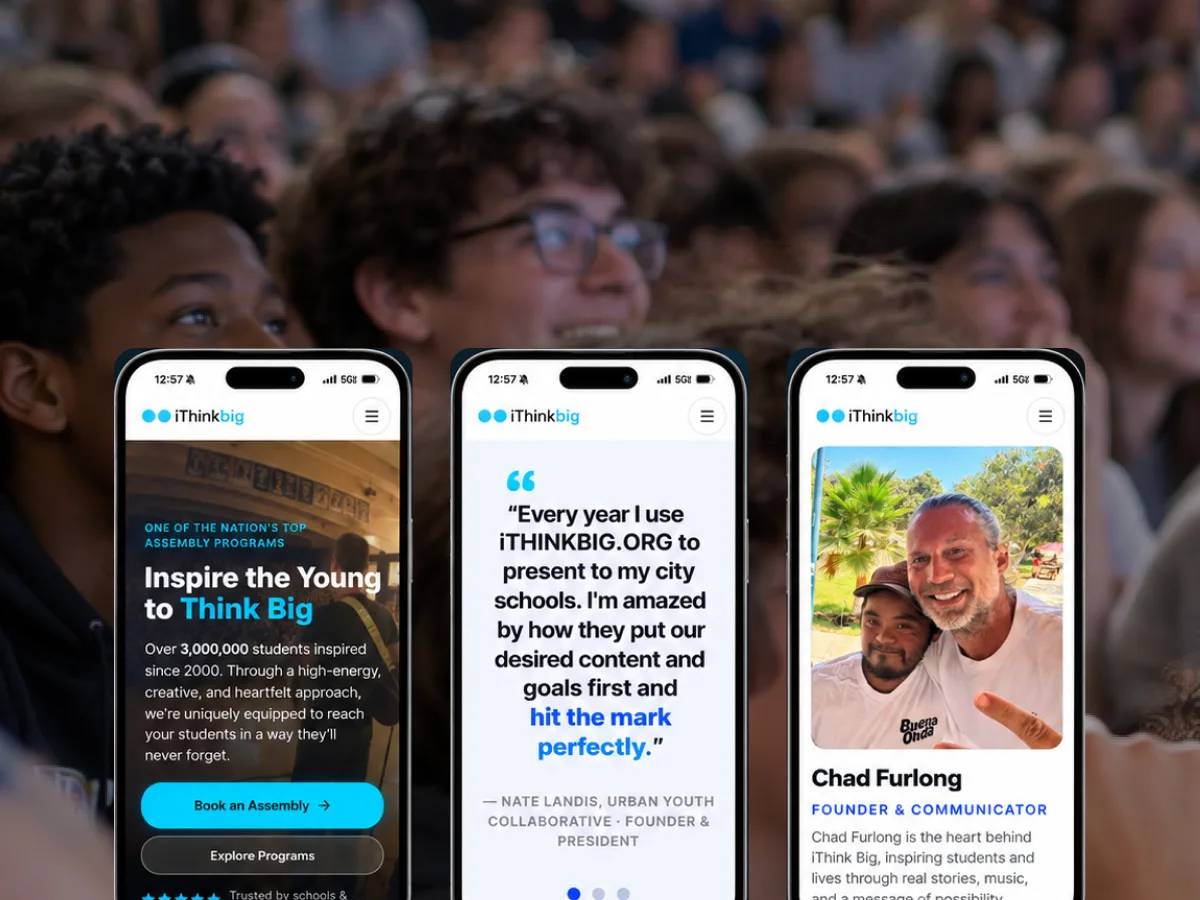
iThink Big
A live assembly program translated into a site that moves like the show and books like a business.
Accessibility gets treated as a compliance tax bolted on at the end. That's exactly why it goes wrong. Built into software from the first component, it makes the experience clearer, sturdier and better for everyone — not just the people it's legally meant to protect.
Let's start with the reframe, because it's the whole game. Accessibility is not a checklist you run at the end to avoid a lawsuit. It's a set of design constraints that, taken seriously, make software better for absolutely everyone. Captions help people in loud rooms. Good contrast helps people in bright sunlight. Clear focus states and keyboard support help power users. Designing for the edges sharpens the middle.
The reason accessibility so often fails is timing. When it's an afterthought — a remediation pass jammed in before launch — it's expensive, incomplete, and resented. When it's a design input from the first sketch, it's mostly free, because the hard decisions get made when they're still cheap to make. The cost of accessibility is almost entirely the cost of doing it late.
There's a legal and reputational dimension too, and it's real — WCAG conformance, ADA exposure, procurement requirements that increasingly demand it. But if compliance is your only motivation, you'll do the minimum and miss the point. The organizations that get this right treat accessibility as a quality standard, and compliance follows from doing the work well.
We build accessibility into the work from the start — in the structure, the color and contrast decisions, the interaction patterns, the content, and the code. Semantic markup, sensible focus order, proper labels, keyboard operability, and meaningful alternatives aren't a phase; they're just how the software gets made.
This is dramatically cheaper and more thorough than remediation. When accessibility is a first-class concern during design and build, most issues never get created. The team learns to make accessible choices by default, and the standard holds as the software grows instead of decaying between audits.
Automated tools catch only the mechanical portion of real accessibility issues. They can't tell you whether a screen actually makes sense to someone navigating by screen reader, or whether a workflow is genuinely operable by keyboard under real conditions. So we combine automated testing with expert manual evaluation against WCAG, and, where it matters, testing with people who use assistive technology.
That combination is what separates 'passes the scanner' from 'actually works.' Plenty of software clears an automated check and remains miserable to use with a screen reader. We're after the second thing, because that's the thing that matters to the human on the other end.
Every Artifact engagement runs on one method: Understand → Design → Build → Launch → Grow. These are the stages where Accessibility does the most work. See how we work.
Where software already exists, we assess it against WCAG with manual review, automated tools and assistive-technology testing where it counts.
Semantic structure, focus order, contrast, labels and keyboard support built in from the first component, not remediated later.
Accessible patterns and standards your team can reuse, so the bar holds as the software grows.
A live assembly program translated into a site that moves like the show and books like a business.
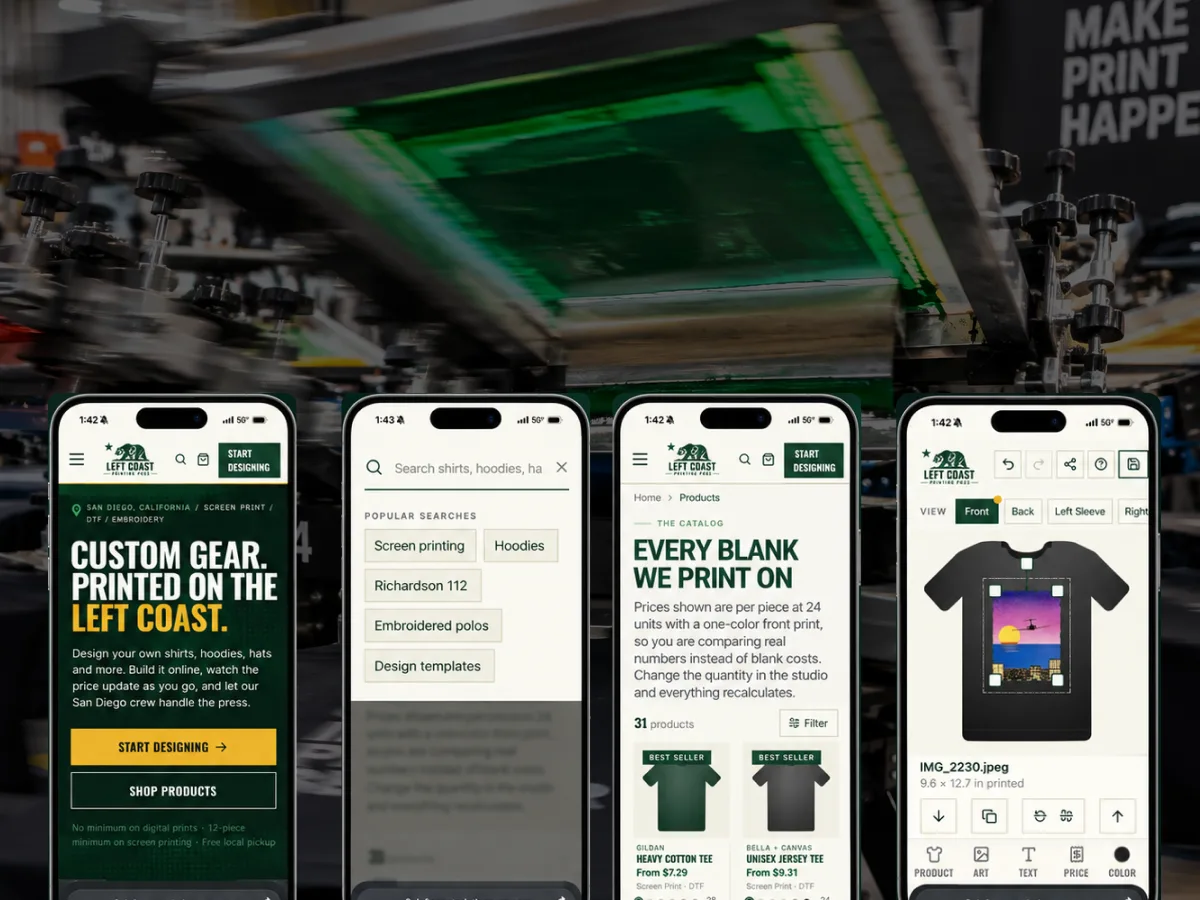
A print shop site where customers place their own artwork on the garment — and the order arrives ready to produce.

A leading online IT training and certification platform helping people build technology careers through certifications and guided learning pathways.
Tell us the problem. We'll tell you honestly whether software is the answer — and bring the strategy, design, engineering and AI to build it.