
Everything lived somewhere else
Projects in one tool, contacts in another, tasks in a third, RFPs in a spreadsheet, and the notes that explain any of it wherever someone happened to type them.
Artifact’s own product · Pre-launch
Case study · Web appTiny CRM pulls projects, contacts, companies, deals, RFPs, tasks and notes into one workspace, and opens on the only question that matters on a Monday: what needs my attention today? We designed and built it as our own product.
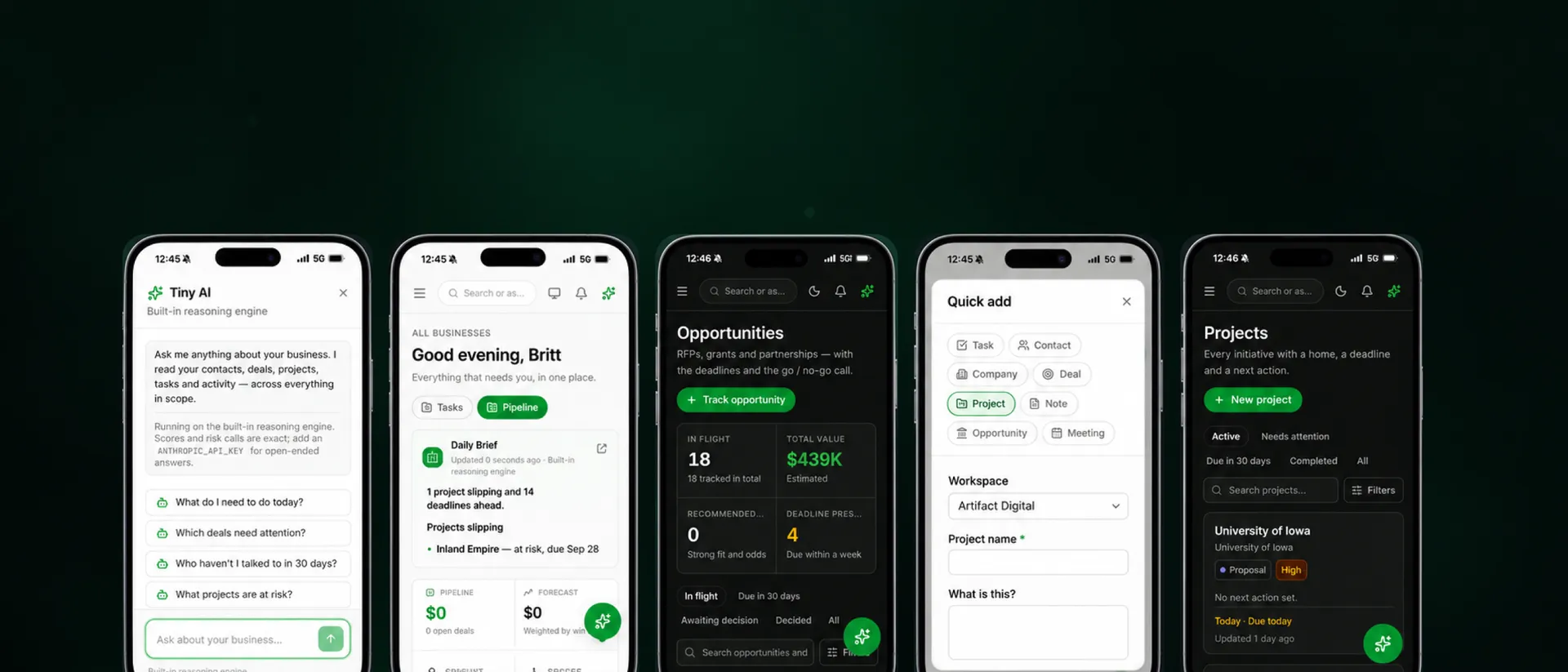
The whole product on a phone — brief, pipeline, opportunities, quick add. Figures shown are demo data.
Projects in one tool, contacts in another, tasks in a third, RFPs in a spreadsheet, and the notes that explain any of it wherever someone happened to type them.
The big platforms are built for sales organizations with an administrator to run them. A team of two or five inherits all of that structure and none of the staff to maintain it.
Most dashboards report how many. The person running the business needs to know which thing is slipping, who has gone quiet, and what to do before lunch.
Every screen answers one of four questions: what is happening, who is involved, what needs my attention, what should I do next. Where a bigger product offers a settings page, Tiny picks a default.
So it opens on a Daily Brief rather than a chart, and Tiny AI reads your own data from behind a keyboard shortcut instead of a chat bubble on every screen. Underneath: Postgres with row-level security, per-record grants, and a security suite among seventy-five test files.
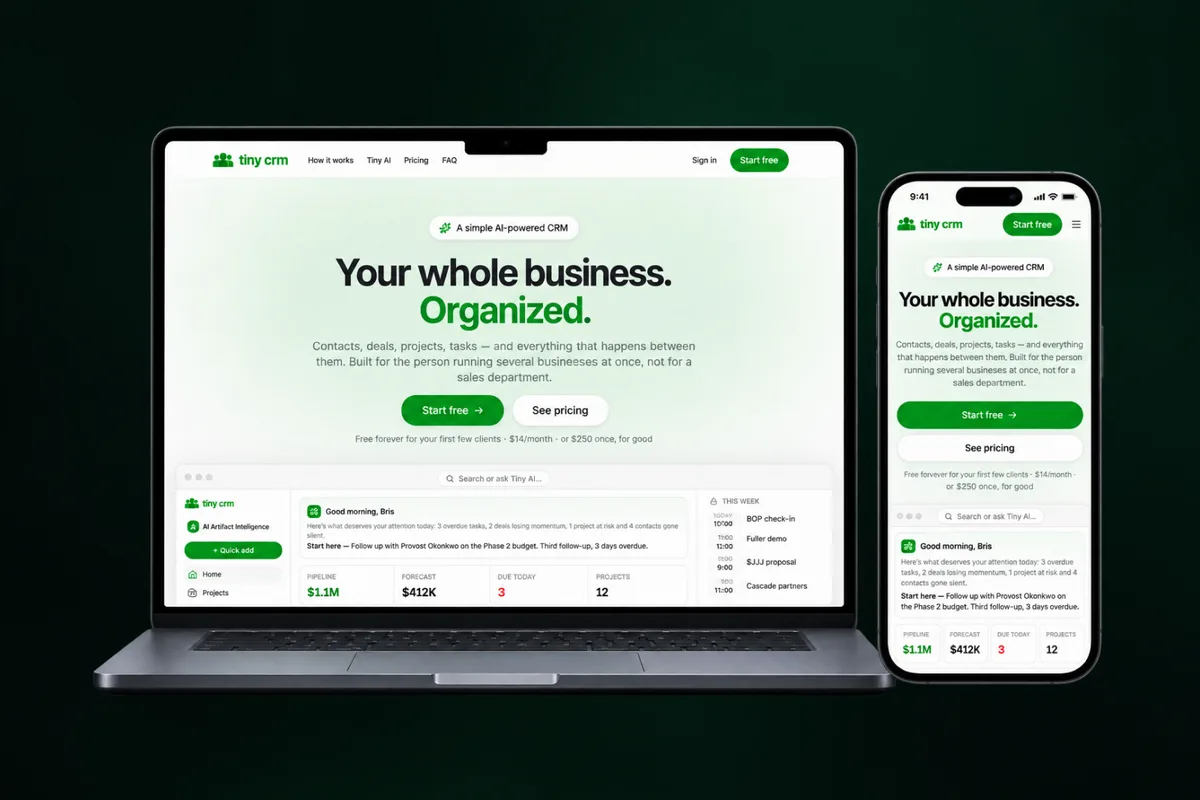
Projects, contacts, companies, deals, RFPs, tasks, notes, calendar and files reference each other instead of living in separate tools.
The Daily Brief and Tiny AI surface what needs attention, behind ⌘K and a keyboard shortcut rather than a chatbot on every screen.
Row-level security, workspace isolation and per-record grants, with a security test suite that runs alongside the rest.
Forty-one screens and ten API routes on one data model, so new workflows get added without rebuilding the product.